PakGet Game Register and Login Guide
Creating a PakGet Game account takes less than a minute. In this guide you will learn how to register with your phone number, log in safely, and recover your account if you forget your password.
Why Register on PakGet Game?
A registered account lets you save your progress, use your wallet, claim bonuses and withdraw winnings. New players also receive a welcome bonus right after sign up, which is a great way to explore different games before using your own money.
Get a starting reward right after registration.
Deposit and withdraw with EasyPaisa and JazzCash.
Log in every day to collect extra bonuses.
How to Register a PakGet Game Account
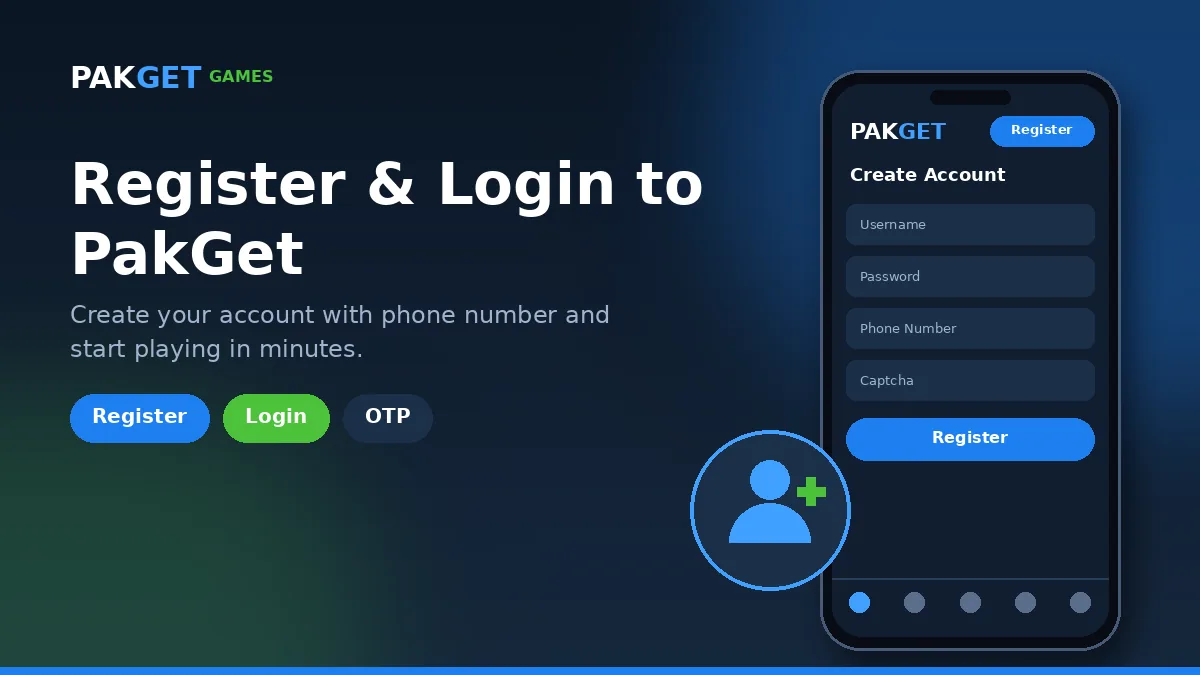
Open the PakGet app and tap the Register button. Then follow these steps:
- Enter user name: Choose a unique username that is easy to remember.
- Enter password: Create a strong password with letters and numbers.
- Enter phone number: Add your active Pakistani mobile number to receive the OTP.
- Enter the captcha code: Type the code shown on screen to verify you are a real user.
- Confirm your registration: Tap Register. Your account is now ready to use.
Make sure the details you enter are correct, because your phone number is used for verification and account recovery.
How to Login to Your PakGet Account
Logging in is quick and simple once you have an account:
- Open the PakGet Game app or website.
- Enter your user name or registered phone number.
- Enter your password.
- Enter the captcha code.
- Tap the Login button and start playing.
Forgot Your Password?
If you cannot remember your password, tap Forgot Password on the login screen. Enter your registered phone number and you will receive an OTP. Enter the OTP and set a new password. If you still cannot access your account, contact the PakGet support team through in-app chat.
Account Verification (KYC)
Before your first withdrawal, PakGet may ask you to verify your account. This usually means confirming your phone number and linking a payment account in your own name. Verification protects your balance and makes future withdrawals faster.
Tips to Keep Your Account Safe
Do
- Use a strong and unique password
- Log out on shared devices
- Keep your phone number active
- Download the app only from the official website
Don’t
- Share your OTP or password with anyone
- Create multiple accounts
- Use fake details during sign up
- Click on suspicious links
Login Problems and Solutions
I am not receiving the OTP
Check your network signal, wait one minute and tap Resend. Make sure the number is entered correctly.
Wrong password error
Check Caps Lock and spelling, or reset your password with Forgot Password.
Account locked
Too many wrong attempts can lock the account for a short time. Wait and try again, or contact support.
Ready to Add Funds?
Learn how to deposit and withdraw money with EasyPaisa, JazzCash and bank transfer.
18+ only. Play responsibly.